
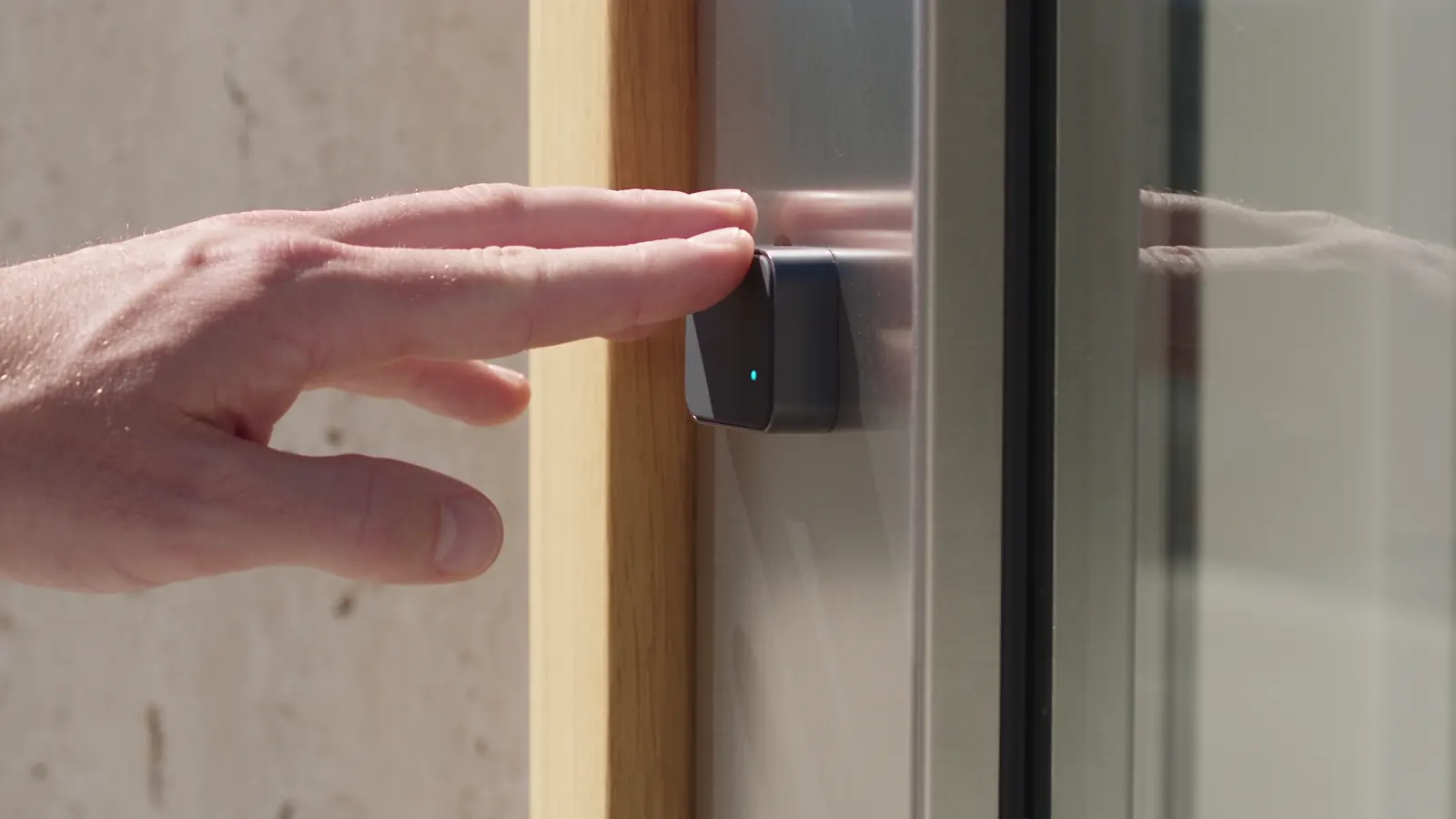
Treat face and fingerprint separately
Face recognition is available on selected compatible UniFi equipment. Fingerprint access may require a different product or a separately scoped integration. We verify the proposed workflow instead of assuming both are built into every UniFi reader.
Consider the people using it
Discuss enrolment, accessibility and whether a card or mobile credential is more suitable for some users. Biometric data needs a deliberate privacy and consent process before an organisation introduces it.
Confirm the exact system before ordering
We check the reader, controller, software, installation position and supported release method. Demonstration images on this website are illustrative and do not establish a particular product’s specifications or availability.
BEFORE WE BEGIN
A little clarity.
Are face and fingerprint access both built into UniFi readers?
These are separate capabilities. Selected compatible UniFi equipment supports face access; fingerprint access may require another product or a separately scoped integration. The specific reader, controller and workflow must be verified before ordering.
What should we decide before enrolling people?
Agree why biometric access is needed, who manages enrolment and how information is handled. Your organisation also needs an appropriate privacy and consent process and a practical option for people using a different credential.
Can we discuss biometric access without sending staff data?
Yes. Share your intended use, approximate user count and current equipment details. Do not send face scans, fingerprint records, biometric templates or staff credential lists through the enquiry form.
Equipment capabilities are confirmed during scoping. See Ubiquiti’s current manufacturer guidance.