
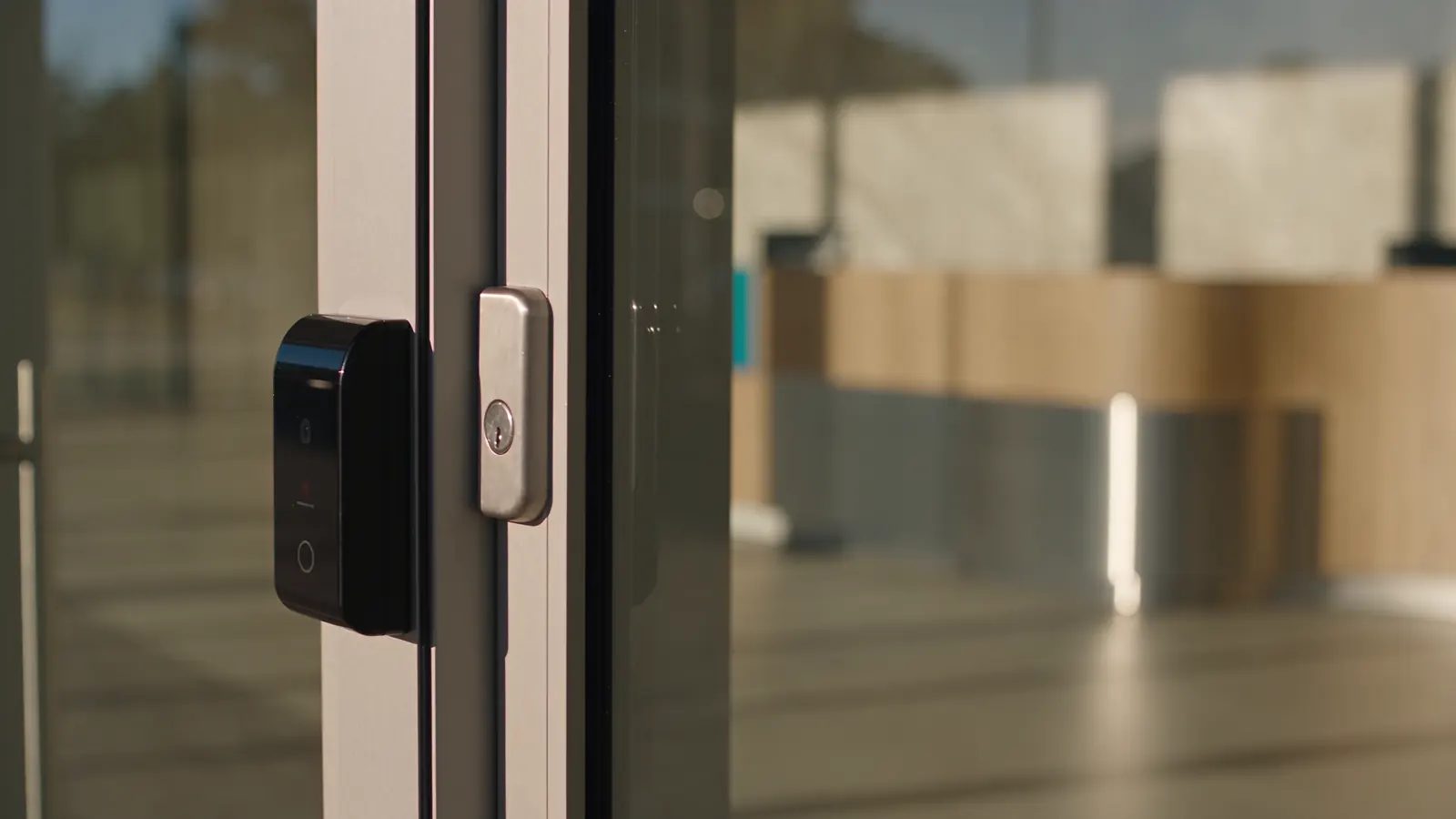
Start with the way your premises works
We map the entrances, who uses them and when access is needed. A front door, staff-only room and delivery entrance may each need a different reader, locking arrangement and schedule.
Bring the parts together
The scope brings together suitable readers, controllers, door hardware, power and network connections. Existing equipment is checked before reuse. We agree how door release, normal exit and loss of power will be handled with the relevant site stakeholders.
Make day-to-day management clear
Handover covers adding and removing people, assigning access groups and reviewing events. We agree who owns the system and administrator accounts so you know who can make changes after installation.
BEFORE WE BEGIN
A little clarity.
What is included in an installation scope?
The agreed scope identifies the entrances, readers, controllers, compatible door hardware, power and network work. It also sets out the access groups, testing and administrator handover. Any reused equipment or work by other trades is identified before installation.
Can you assess a site without an existing UniFi system?
Yes. Share the premises type, entry points and preferred access methods. We can assess the console, network and power needed, including whether any existing equipment is suitable.
Who manages the system after handover?
Your business nominates the system owner and day-to-day administrator. Handover covers the agreed tasks, such as issuing credentials and removing access, with account ownership and any ongoing support responsibilities confirmed in the scope.